
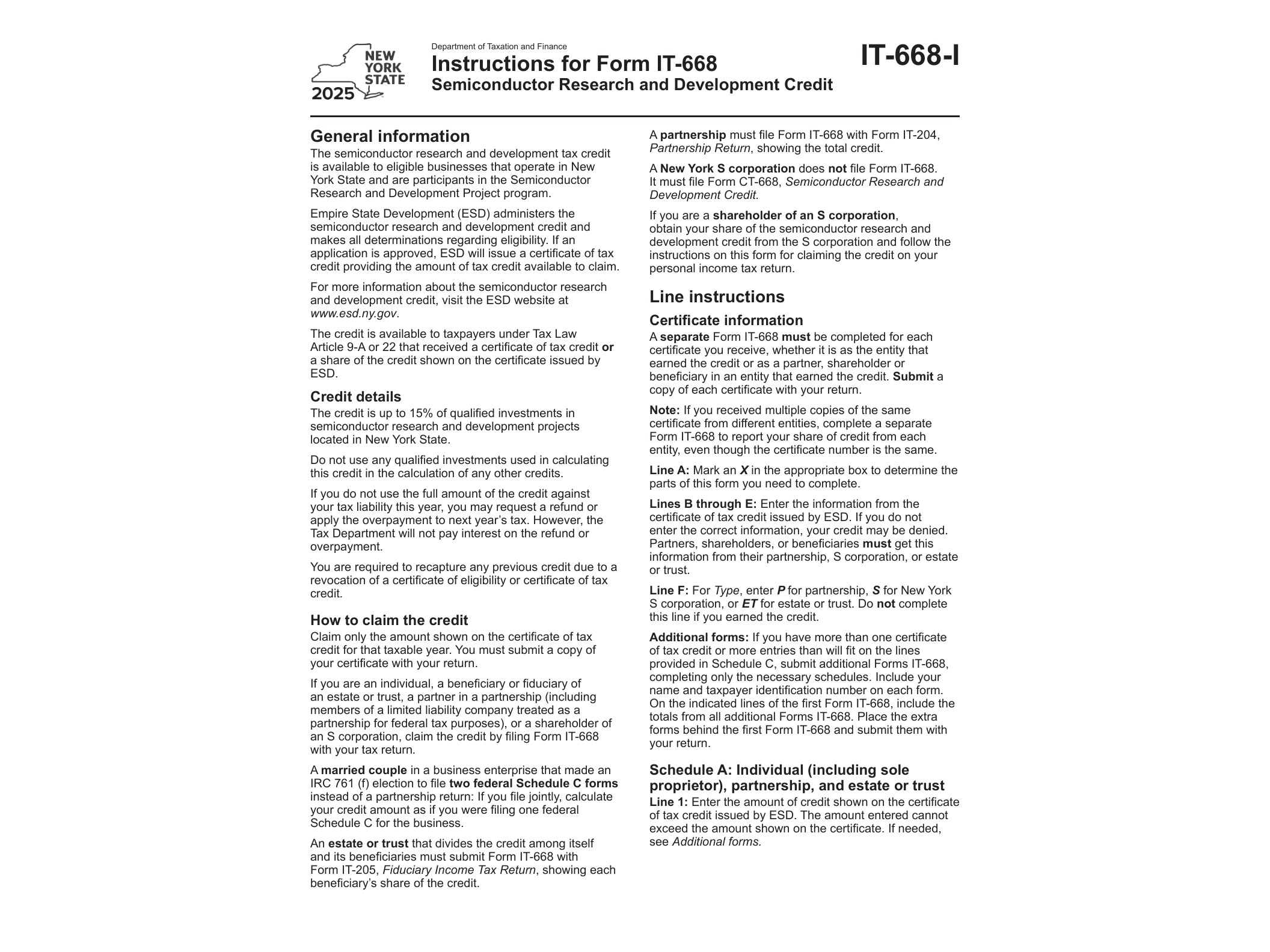
Download Official Form IT668I (PDF)
Opens the official government PDF in a new tab
Form IT-668 is the New York State tax form used to claim the Semiconductor Research and Development Credit. It’s issued by the New York State Department of Taxation and Finance and applies to businesses that conduct qualified semiconductor research activities within the state. If your company is involved in developing, testing, or improving semiconductor technology in New York, this credit could reduce your state tax liability for tax year 2025.
The credit exists as part of New York’s broader effort to attract and retain semiconductor manufacturing and research operations. The state has been positioning itself as a hub for chip production and innovation, and this credit rewards companies that invest in research and development tied to that industry. It’s not a general R&D credit — it’s specifically tied to semiconductor-related work, so businesses need to confirm their activities meet the state’s definition before filing.
Who Needs to File Form IT-668
This form is meant for corporations, partnerships, and other business entities that have incurred qualified research expenses related to semiconductor development in New York State. If your business has claimed or intends to claim a credit for semiconductor R&D spending, you’ll need to complete IT-668 and attach it to your New York State tax return.
Companies that also participate in related semiconductor incentive programs may find themselves filling out multiple related forms in the same filing season. For example, businesses training staff for semiconductor manufacturing roles might also need to review the Form IT-669 instructions for the Semiconductor Manufacturing Workforce Training Program Credit, since both credits target different aspects of the same industry push.
When This Form Is Used
Form IT-668 is filed alongside your annual New York State income or franchise tax return for tax year 2025. You’d use it in the same filing period you’re reporting the qualified research expenses — you can’t retroactively apply it to prior years without amending previous returns, and you can’t file it as a standalone document outside of your regular tax filing.
Timing matters here because the credit is tied directly to expenses incurred during the tax year in question. Keep records of research costs, project documentation, and any correspondence with state agencies regarding semiconductor development activities, since these will support the numbers you report on the form.
How to Get and Complete Form IT-668
The official version of Form IT-668 is available directly from the New York State Department of Taxation and Finance website. Unlike many modern state tax forms, this one does not have digitally fillable fields — you’ll need to print it out and complete it by hand before attaching it to your return.
Before filling it out, gather documentation on your qualified research expenses tied to semiconductor work. The form will ask you to calculate the credit based on specific expense categories, so having clear financial records on hand makes the process faster and reduces the chance of errors that could delay processing.
Businesses juggling several New York State credits in the same filing season often find it useful to compare related instructions side by side. If your company also invests in physical security upgrades, the Form IT-663 instructions for the Commercial Security Credit outline a separate but similarly structured process. And if your business offers childcare benefits to employees, the Form IT-652 instructions for the Employer-Provided Childcare Credit cover another New York incentive that some semiconductor employers may also qualify for.
Since this form must be printed and handwritten, double-check all figures before submitting, and keep a copy along with your supporting documentation in case the Department of Taxation and Finance requests verification later. Filing accurately the first time saves you from amended returns or follow-up correspondence down the road.
Download Official Form IT668I (PDF)
Opens the official government PDF in a new tab