
Download Official Form Y203I (PDF)
Opens the official government PDF in a new tab
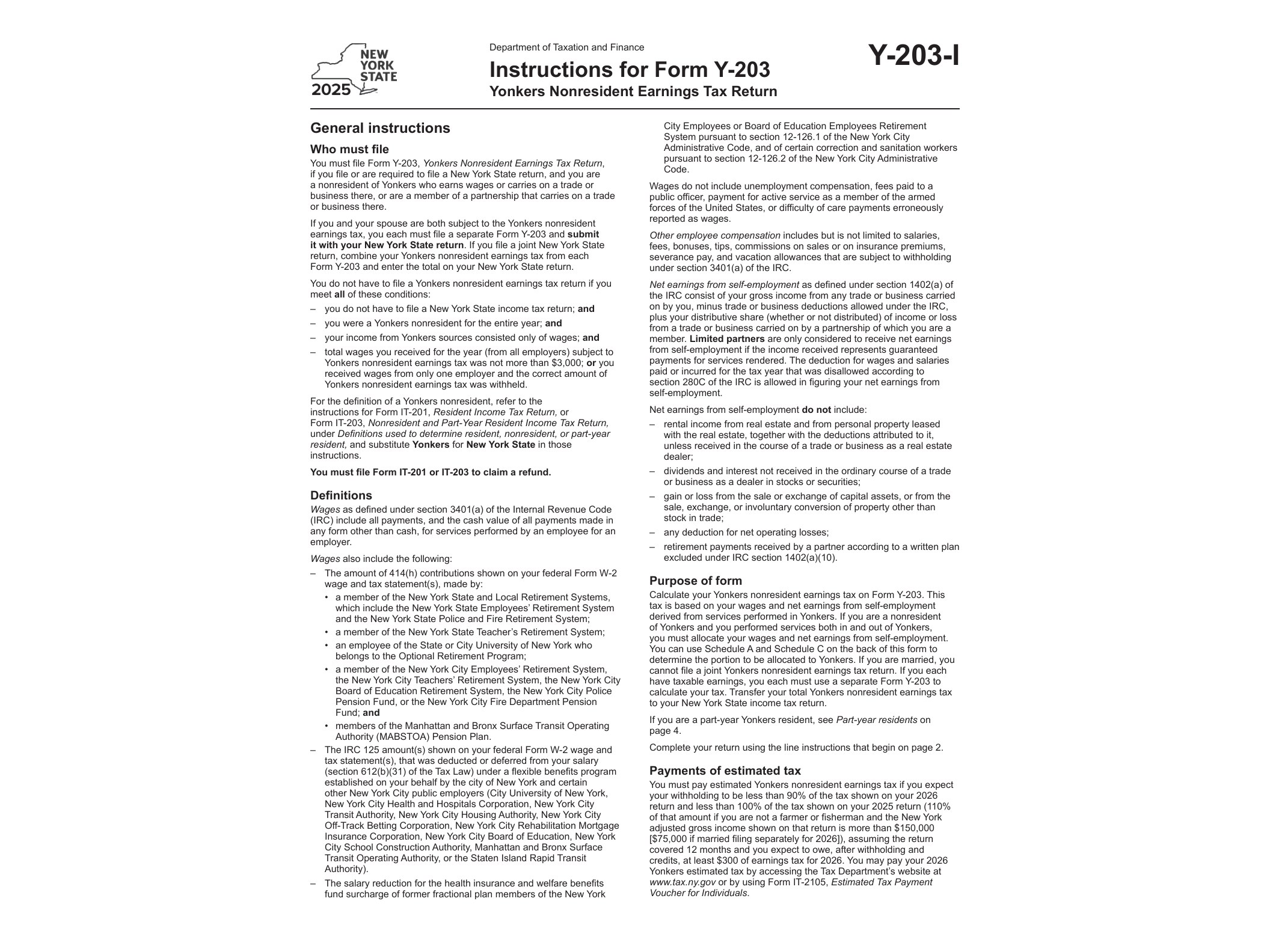
Form Y-203I is the official instruction booklet published by the New York State Department of Taxation and Finance to accompany Form Y-203, the Yonkers Nonresident Earnings Tax Return. If you worked in Yonkers during 2025 but did not live there, this is the document that walks you through calculating and reporting the earnings tax you owe to the city, even though you file your main New York State return separately.
Yonkers imposes an earnings tax on nonresidents who work within its city limits. This is separate from New York State income tax and separate from any New York City tax obligations you might have. The instructions in Form Y-203I explain exactly how this local tax is calculated, what income counts as Yonkers-source earnings, and how to complete each line of the return without errors that could delay processing or trigger a notice from the department.
Who Needs This Form
You generally need Form Y-203 (and therefore these instructions) if you meet all of the following conditions: you are not a resident of Yonkers, you earned wages, salary, or self-employment income from work performed within Yonkers during the tax year, and your employer did not already withhold the correct amount of Yonkers nonresident earnings tax from your paycheck. Common filers include commuters who live in nearby Westchester towns or in New York City itself but work at a job site physically located in Yonkers.
Self-employed individuals who perform services in Yonkers, even occasionally, may also have a filing obligation. The instructions clarify how to apportion income when work is performed both inside and outside city limits, which is one of the more confusing parts of this return for people with multiple job sites or remote work arrangements.
When to Use It
Form Y-203 is filed alongside your New York State income tax return, typically by the same April deadline, though extensions that apply to your state return also apply here. You should reference the Y-203I instructions any time you’re unsure whether your work arrangement counts as Yonkers-source income, how to handle partial-year employment in the city, or how to reconcile amounts your employer already withheld against what you actually owe.
If you changed jobs mid-year, worked remotely part of the time, or received a W-2 that shows Yonkers withholding for the first time, this is exactly the situation the instructions are built to address. Skipping this step and guessing at the numbers is one of the most common reasons nonresident earnings tax returns get corrected or rejected.
How to Get and Complete It
Form Y-203I is available directly from the New York State Department of Taxation and Finance website as a PDF. It is not a fillable digital form, so you’ll need to print it out and complete Form Y-203 by hand using the guidance it provides. Keep a copy of your W-2s, any 1099s tied to Yonkers work, and records of days worked inside versus outside the city, since the instructions require this level of detail for accurate apportionment.
Once you’ve read through the relevant sections, transfer the calculated figures onto Form Y-203 itself, attach it to your New York State return, and retain copies of both for your records. If you’re new to dealing with New York’s layered state, city, and local tax forms, it can help to look at how other niche New York tax documents are structured. For example, the way refund claims work under Form DTF-281 follows a similarly detailed, paper-based process, and specialized returns like the Pari-Mutuel Betting Tax Return or its companion form for uncashed pari-mutuel tickets show how the state handles narrow, activity-specific tax obligations with their own dedicated paperwork.
If you’re filing for the first time or your work situation in Yonkers has changed from prior years, reading the full Y-203I instructions before touching the actual return will save you from having to file an amended form later.
Download Official Form Y203I (PDF)
Opens the official government PDF in a new tab