
Download Official Form IT258 (PDF)
Opens the official government PDF in a new tab
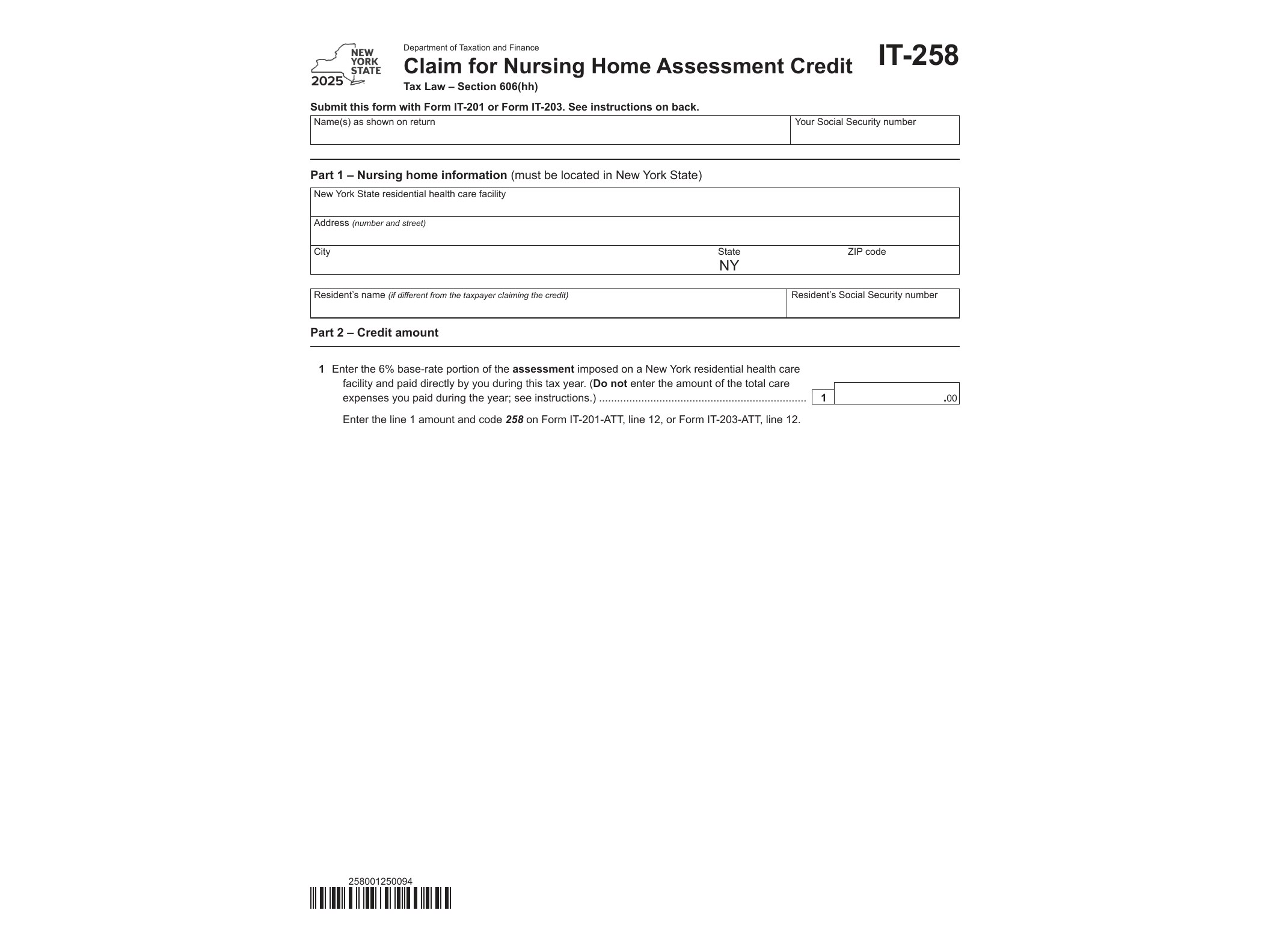
Form IT-258 is a New York State tax form used to claim the Nursing Home Assessment Credit, a refundable credit designed to offset a portion of the assessment fee that residential health care facilities pass along to private-pay nursing home residents. If you or a family member paid out of pocket for nursing home care in New York during 2025, this credit could put some of that money back in your pocket at tax time.
What the Nursing Home Assessment Credit Covers
New York imposes an assessment on nursing homes based on gross receipts from patient care services. Facilities are allowed to pass this assessment on to residents who pay privately rather than through Medicaid. Because that cost gets baked into the resident’s bill, the state created this credit to give some relief to the individuals actually shouldering the expense. The credit is calculated as a percentage of the assessment amount paid, and it’s refundable, meaning you can receive it even if you don’t owe any state income tax.
Who Needs to File Form IT-258
This form is meant for individual taxpayers, not the nursing facilities themselves. You’ll need it if you:
- Paid privately for nursing home care for yourself or a dependent in a New York facility during the 2025 tax year
- Received a statement or invoice from the facility showing the assessment amount charged
- Are filing a New York State personal income tax return (Form IT-201 for full-year residents or IT-203 for part-year residents and nonresidents)
If the nursing home costs were paid entirely through Medicaid, you generally won’t qualify, since the assessment credit applies specifically to the portion of costs borne by private payers.
When to Use This Form
Form IT-258 gets filed alongside your annual New York income tax return, not on its own. For the 2025 tax year, that means submitting it with your return by the standard mid-April filing deadline, or by the extended deadline if you filed for more time. You cannot claim this credit outside the context of filing a full income tax return, so it’s not something you can submit separately later in the year.
Taxpayers dealing with other state-specific credits and residency situations often run into similar attachment forms. If your filing situation also involves a change in residency status during the year, you might find Form IT-260.1 on special accruals for change of resident status relevant as well, since residency changes can affect which credits and accruals apply to your return.
How to Get and Fill Out Form IT-258
The New York State Department of Taxation and Finance provides Form IT-258 as a fillable PDF, which means you can type your information directly into the form on your computer before printing it or attaching it to an electronic filing. You’ll need documentation from the nursing home showing the assessment charge, since the form asks you to report the actual dollar amount assessed and calculate the credit percentage based on current-year rates.
The form itself is short, typically asking for basic identifying information, the name and address of the nursing home facility, the assessment amount paid, and the resulting credit calculation. Once completed, it attaches to your main state income tax return rather than being mailed or filed independently.
Keep in mind that New York updates credit forms annually, so always download the version specific to the tax year you’re filing for. Using an outdated form can cause processing delays or rejected credits. Taxpayers who also claim other New York-specific credits, such as those covered in Form IT-256 for the mortgage recording tax credit, should double check that each supplemental form matches the correct filing year before submission.
If you’re unsure whether your nursing home expenses qualify, review the assessment statement provided by the facility carefully. It should break down what portion of your bill relates to the state assessment versus other care costs. That breakdown is what you’ll use to complete the credit calculation on Form IT-258 accurately.
Download Official Form IT258 (PDF)
Opens the official government PDF in a new tab