
Download Official Form IT2104I (PDF)
Opens the official government PDF in a new tab
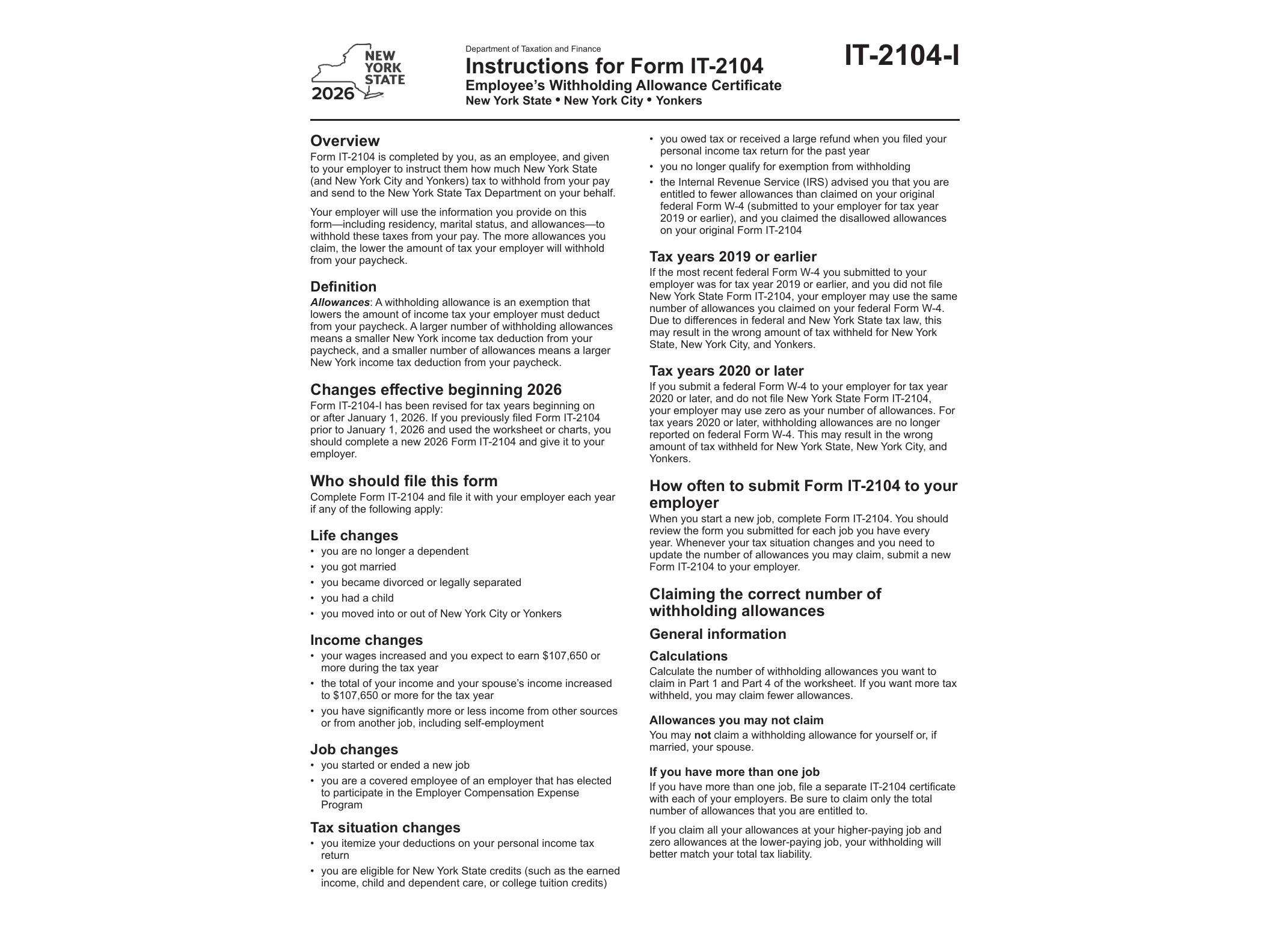
Form IT-2104, officially titled the Employee’s Withholding Allowance Certificate, is the document New York State employees use to tell their employer how much state income tax to withhold from each paycheck. The IT2104I package linked on this page contains the instructions for completing the form for the 2026 tax year, issued by the New York State Department of Taxation and Finance. It’s a companion document to the actual IT-2104 form itself, walking you through each worksheet line by line so you land on the correct number of allowances.
Unlike some digital-friendly government forms, this instruction booklet does not come with fillable fields. You’ll need to print it out, work through the worksheets with a pen, and then transfer your final numbers onto the actual IT-2104 form, which you hand to your employer rather than mail to the state.
Who Needs This Form
Any employee working in New York State who is subject to state income tax withholding should complete Form IT-2104. This includes new hires filling it out during onboarding, as well as current employees who need to update their withholding because of a life change — marriage, a new dependent, a second job, or a shift in income that pushes them into a different tax bracket. If you’re a New York City or Yonkers resident, the form also factors in local withholding, so the instructions matter even more since those calculations differ from someone living elsewhere in the state.
Employers are required to keep a valid IT-2104 on file for every employee. If you don’t submit one, your employer will withhold state tax as if you claimed zero allowances, which usually means more money taken out of each check than necessary. That’s fine if you’d rather get a bigger refund at tax time, but for a lot of workers it just ties up cash they could use throughout the year.
When to Use It
You should fill out a new IT-2104 whenever your personal or financial situation changes in a way that affects how much tax you owe. Common triggers include getting married or divorced, having a child, picking up freelance income on the side, buying a home and gaining new deductions, or simply noticing at tax time that you owed a large balance or got an unusually big refund — both signs your withholding wasn’t dialed in correctly. The instructions booklet is updated annually because tax brackets, standard deductions, and withholding tables shift from year to year, so using the 2026 version ensures your calculations reflect current numbers rather than outdated ones.
How to Fill It Out
The instructions guide you through several worksheets designed to estimate your total allowances based on filing status, number of dependents, itemized deductions, and other adjustments like student loan interest or IRA contributions. There’s also a separate worksheet for two-earner households, since combining two incomes under one household often changes the math significantly compared to filing individually.
Because the form isn’t digitally fillable, print both the instructions and the IT-2104 form itself, work through the calculations on paper, and then copy your final allowance number onto the actual certificate you submit to your employer. Keep a copy for your own records in case you need to reference your withholding decisions later, particularly if you end up amending a prior year’s state return — something covered in detail in our guide on filing an amended New York resident income tax return.
If your income situation involves allocating earnings across multiple years or states, it’s worth reviewing the multi-year allocation form instructions as well, since withholding and allocation often intersect for people with irregular income streams. And if you’re dealing with unrelated New York tax paperwork, such as estate matters, our breakdown of the waiver of citation and consent process covers a completely different but equally common situation New Yorkers run into with the Department of Taxation and Finance.
Once you’ve worked through the worksheets, double-check your math before handing the signed IT-2104 to your employer’s payroll or HR department. They’ll use it going forward until you submit an updated version.
Download Official Form IT2104I (PDF)
Opens the official government PDF in a new tab